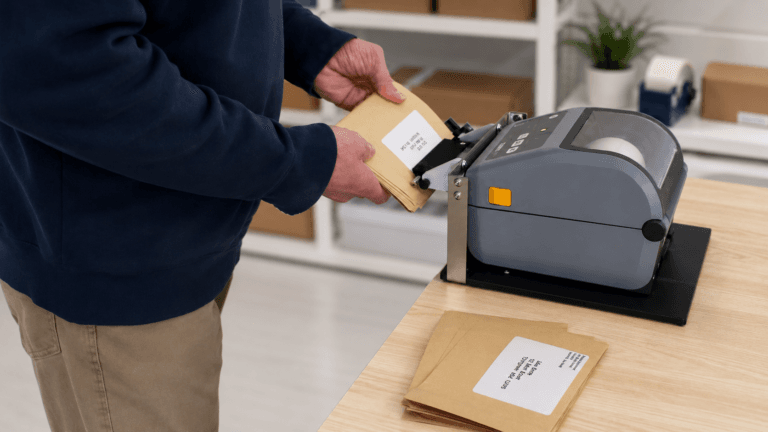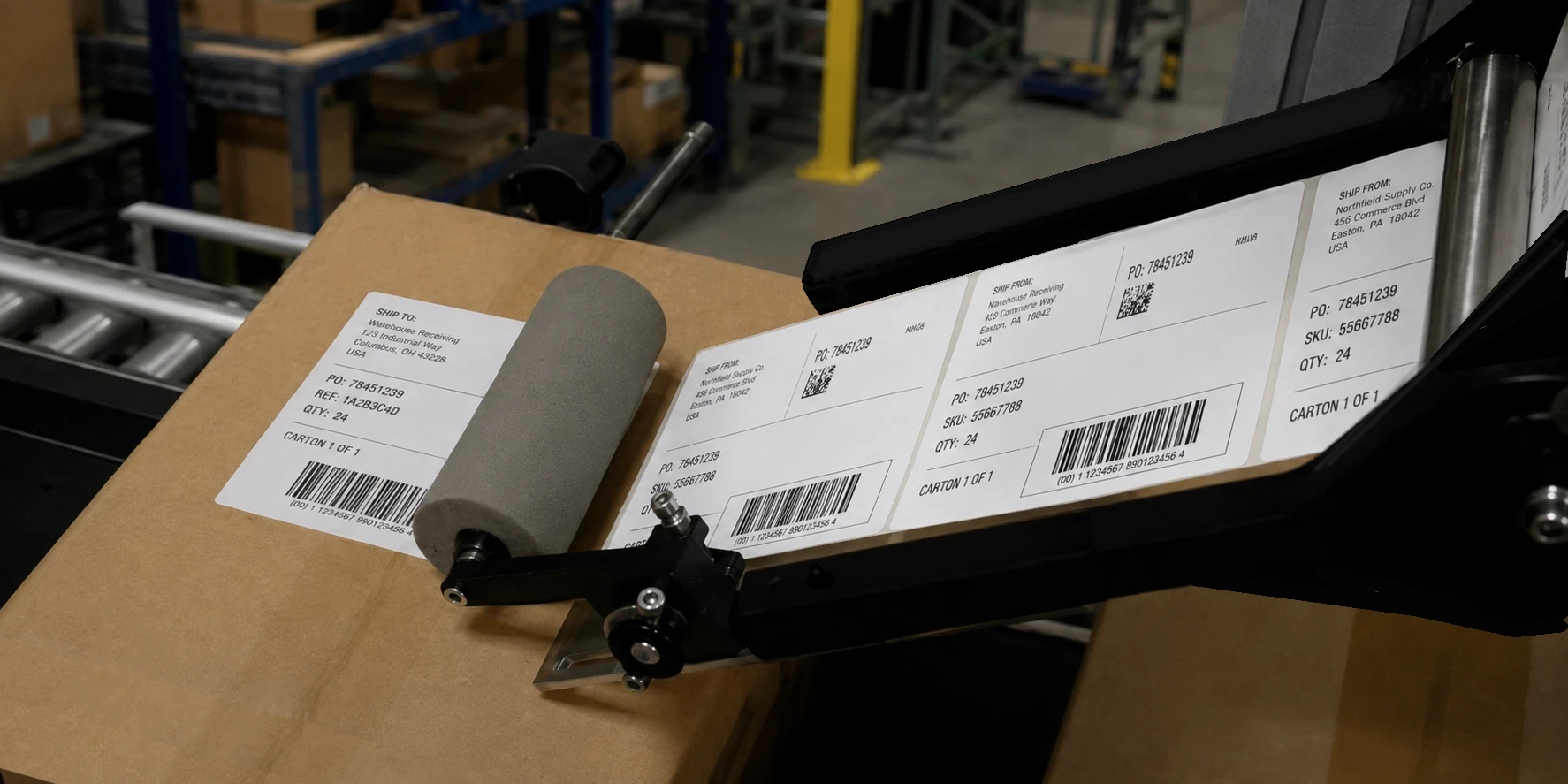

Print-apply labeling combines two steps that are normally handled separately: printing a label and applying it to a product or package.
In a traditional print-apply labeling system, variable information such as barcodes, QR codes, shipping addresses, lot numbers, dates, or serial numbers is printed onto a self-adhesive label immediately before the label is applied. This allows each package to receive a freshly printed label containing information specific to that item.
How Traditional Print-Apply Labeling Works
Print-apply labeling is most commonly associated with high-speed industrial packaging operations.
In these systems, packages travel along a conveyor and pass through a print-and-apply station. An integrated thermal printer produces each label, and an automated applicator transfers the newly printed label onto the package as it moves through the system.
These systems can be extremely effective when hundreds or thousands of products need to be labeled every hour. However, they are generally designed for large manufacturing, distribution, and fulfillment operations.
For many small businesses, a traditional print-apply system can be difficult to justify because it may:
Cost tens of thousands of dollars
Require dedicated floor space and conveyor equipment
Require compressed air or other utilities
Require operator and maintenance training
Be difficult or time-consuming to change between different package or label configurations
Provide far more capacity than a smaller operation actually needs
Fortunately, small businesses do not necessarily need a fully automated labeling line to gain some of the benefits of print-apply labeling.
Print-Apply Labeling Has Two Parts
At its simplest, print-apply labeling consists of two functions:
1. Print the label
2. Apply the label
For small businesses, solving the printing side is relatively easy. The challenge is usually the application side.
Printing the Labels
Businesses have many thermal label printer options available.
Industrial thermal printers are designed for demanding environments and high print volumes. They are generally durable, fast, and capable of handling a wide range of label sizes.
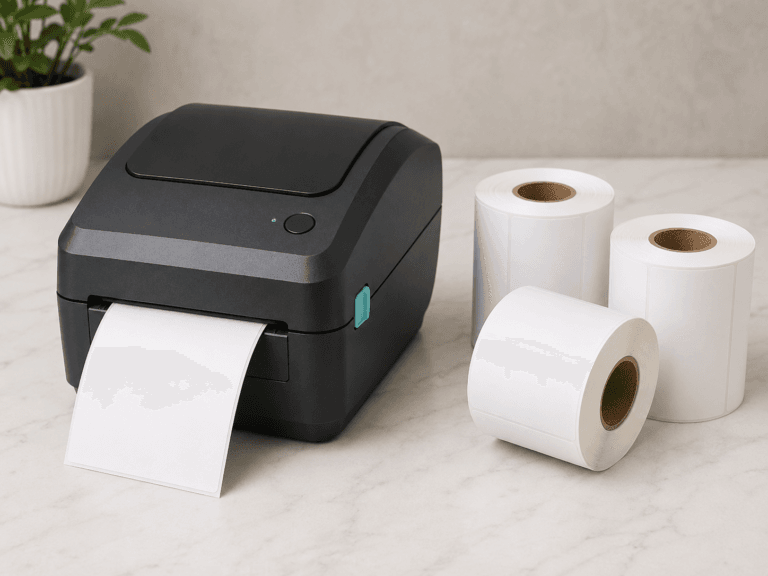
Desktop thermal label printers and barcode printers provide a much more economical alternative. Many cost well under $1,000 and are widely used for shipping labels, barcode labels, product identification, inventory management, and other business applications.
For many small businesses, a desktop printer provides all the printing capability they need.
The question becomes: What happens to the label after it prints?
Applying Labels From Industrial Printers
Some industrial printer manufacturers offer semi-automatic or automated applicators that work directly with their printers.
A common example is a tamp applicator. After the printer produces the label, the applicator receives it and uses a pneumatic mechanism to press or “tamp” the label onto a product or package.
Systems such as the CAB SQ1000 demonstrate this type of approach.
These systems can provide true print-and-apply operation without requiring a complete conveyor labeling line. However, they are still industrial equipment and may require compressed air, additional controls, dedicated installation space, and a substantially larger investment than a desktop labeling setup.
Applying Labels From Desktop Label Printers
The application side becomes more difficult when using a desktop thermal label printer or barcode printer.
There are relatively few devices designed specifically to apply labels directly from these printers. As a result, most businesses simply remove the printed label from its backing paper and apply it by hand.
For occasional labeling, this may be perfectly adequate. As label volume increases, however, repeatedly peeling, positioning, and applying labels can become slow and repetitive.
Hand application can also create other problems:
Labels may be positioned inconsistently
Operators must repeatedly touch the label and adhesive
Labels can stick to gloves when gloves are required
Peeling each individual label adds another step to the process
Productivity depends heavily on the speed and technique of the operator
Another option is to print labels in advance and rewind them onto a separate roll. The finished roll can then be used with a standalone label applicator.
That approach works well when labels can be prepared ahead of time. It becomes less practical when each label contains unique or real-time information, such as a shipping address, serial number, order number, or tracking information.
A Different Approach for Desktop Printers: PrinterZip Z10
The PrinterZip Z10 provides another way to handle the application side of the print-apply process.
Rather than attempting to turn a desktop printer into a complex automated labeling machine, the Z10 is designed specifically to work with labels as they are produced by desktop thermal label printers and barcode printers.
The Z10 works in conjunction with many different models of desktop printers including many Zebra models such as the ZD621 and ZD421. The printer prints the label normally. The Z10 then captures and presents the label using its patented mechanism so the operator can guide the package into position and apply the label without peeling or handling the label by hand.
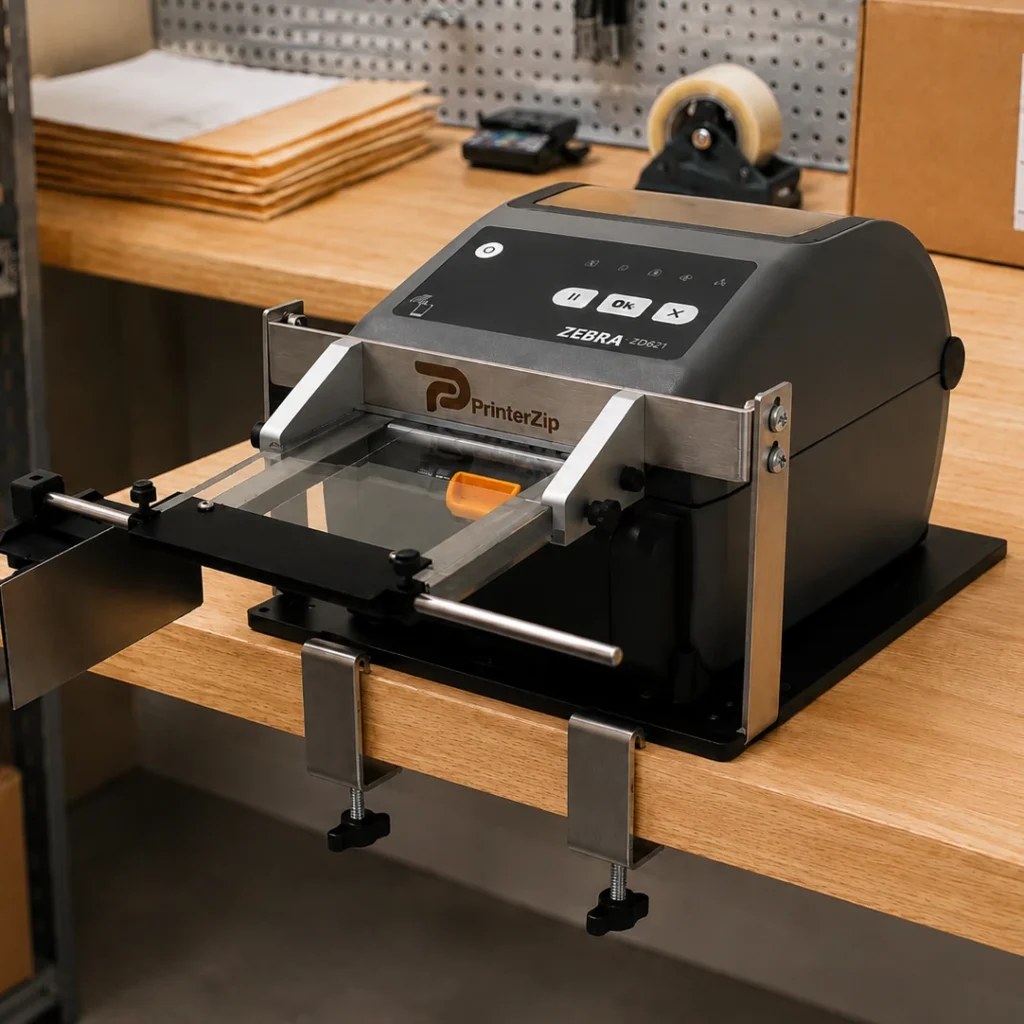
The operator still controls the placement of the package, so the Z10 is not a fully automatic print-and-apply machine. Instead, it provides a simple form of guided print-and-apply labeling for businesses that do not need the cost or complexity of industrial automation.
This can provide several advantages over conventional hand application:
Faster label placement
More consistent positioning
No need to peel each label by hand
No need to touch the label adhesive
Easier label application while wearing gloves
Labels can be printed and applied individually as needed
Simple Equipment for a Simple Workflow
One of the most unusual aspects of the PrinterZip Z10 is its simplicity.
The Z10 does not change how the printer generates the label. It does not require electricity, compressed air, motors, sensors, or complicated controls to operate.
That makes the system considerably different from conventional industrial print-and-apply equipment.
Changing labels or switching between different packaging jobs can also be straightforward, making the Z10 particularly useful for businesses that handle smaller production runs or frequently change what they are labeling.
Print-Apply Labeling Does Not Have to Mean Full Automation
When people hear the term “print-apply labeling,” they often picture a large conveyor system operating in a warehouse or manufacturing plant.
For very high-volume production, that type of equipment makes sense.
Small businesses often have a different problem. They may already have an excellent desktop thermal printer but still need a faster and more consistent way to get each freshly printed label onto a package.
In those situations, the goal does not necessarily have to be complete automation.
A simpler print-and-apply workflow can bridge the gap between peeling and applying every label by hand and investing in a full industrial labeling system.
For businesses using desktop label printers, the PrinterZip Z10 provides one way to make that transition while keeping the labeling process simple, flexible, and economical.