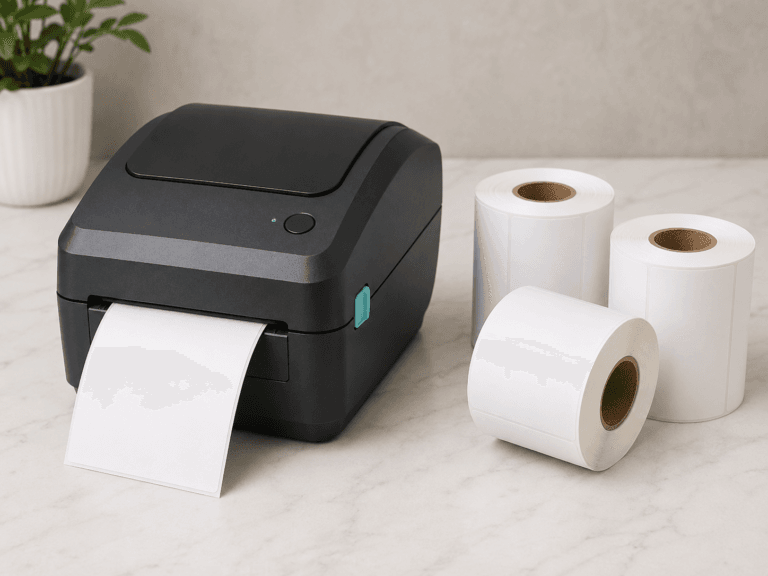

Small businesses rely on desktop label printers and barcode printers for shipping labels, product labels, barcode labels, inventory labels, and other everyday labeling tasks. These printers are affordable, compact, and easy to use, but printing the label is only part of the process.
The label still has to be applied to the package or product.
For many small businesses, the available label application methods are either too expensive, too complicated, or too slow. Traditional automatic and semi-automatic label applicators are generally designed for large production runs, while hand application can become inefficient as order volume increases.
The PrinterZip Z10 provides another option. It allows labels to be applied directly as they print, without rewinding them onto a separate roll.
Traditional Label Applicators Work Best for Large Production Runs
Automatic and semi-automatic label applicators can be useful when a business applies the same label to the same type of package in large quantities.
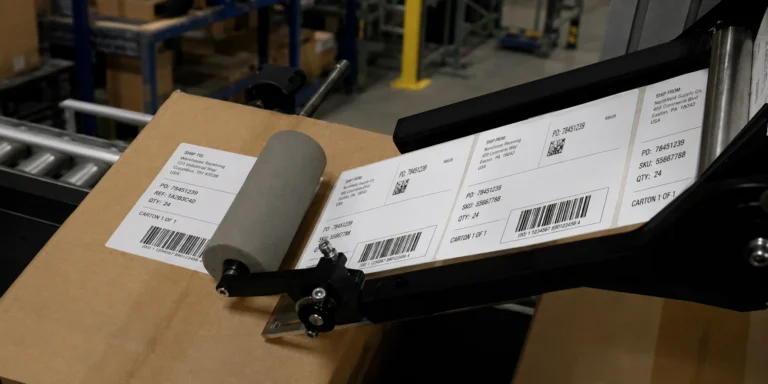
In a traditional setup, labels printed on a desktop printer are rewound onto a separate roll. That finished roll is then loaded into a label applicator, which applies the labels to containers, cartons, bags, or other products.
This type of system can make sense for high-volume production, especially when thousands of identical items need to be labeled. However, it can be difficult to justify for smaller operations for a number of reasons:
High Equipment Costs
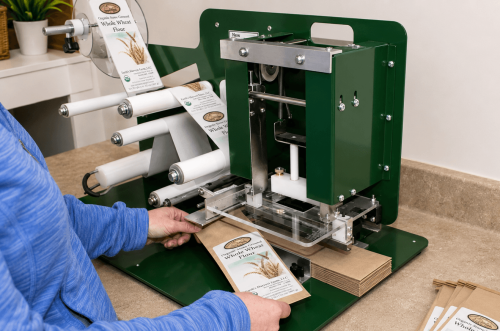
Starting cost for a basic semi automatic label applicator with a rewind unit is in the thousands of dollars.
More Complicated Setup and Operation
Automatic labeling equipment must be adjusted for the label size, product dimensions, placement position, feed speed, and sensor settings.
Dedicated Space Requirements
Stand-alone and conveyor-fed systems may occupy a significant amount of floor space.
Not Practical for Short Runs
Automatic and semi-automatic applicators are generally most efficient when running large quantities of identical labels and products.
Traditional Label Applicators Do Not Apply Labels Directly From Desktop Printers
Desktop label printers normally dispense each printed label with the backing liner still attached. Even when a printer has a peeler or dispenser module, traditional label applicators are not designed to receive and apply each label directly from the printer.
Instead, labels usually need to be printed and collected before they can be loaded into the applicator. This creates a separate production step and prevents the label from being applied immediately after printing.
That limitation is especially important for businesses printing variable information, such as shipping addresses and barcodes.
.
Hand Application Is the Most Common Alternative
A Simpler Print and Apply Option
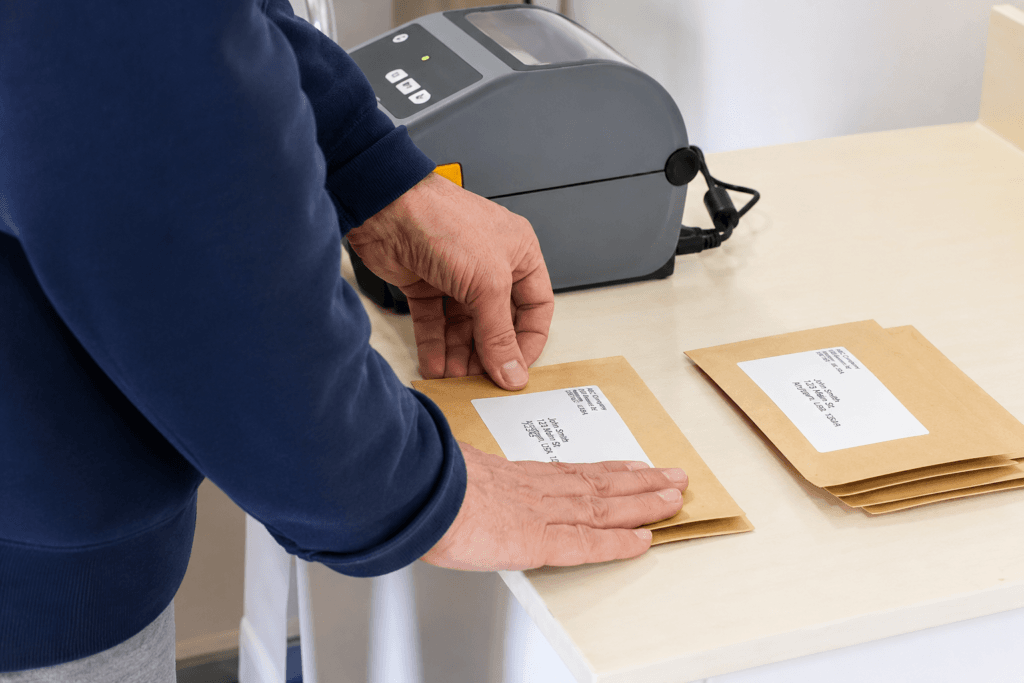
Because traditional label applicators are not well suited to short runs, many small businesses apply labels by hand.
The operator prints a label, removes it from the backing paper, positions it over the package, and presses it into place.
This method requires little equipment and can accommodate many package shapes and label sizes. It is also flexible enough for variable labels and changing orders.
However, hand application has several disadvantages.
The Process Involves Hand Contact With The Label
Hand applying labels requires touching both the front and rear adhesive side of the label. Concerns about chemical contaminants in label material and adhesives sticking to fingers and gloves are issues to consider when evaluating label application methods.
Placement Can Be Inconsistent
Hand-applied labels may be crooked, off-center, or placed in slightly different positions from one package to the next.
The Process Becomes a Significant Burden as Volume Increases
Peeling, positioning, and pressing every label individually can become repetitive and time-consuming.
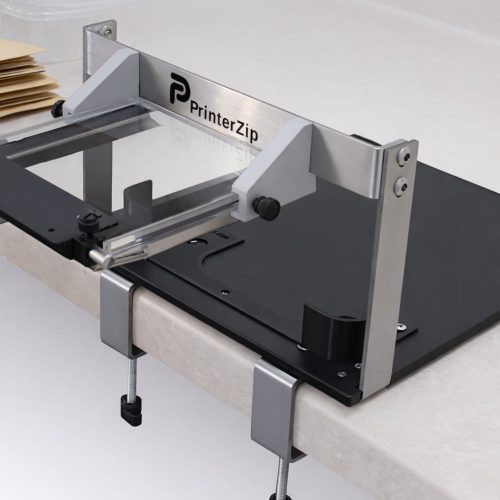
The PrinterZip Z10 is designed to provide a more practical print and apply labeling option for small businesses.
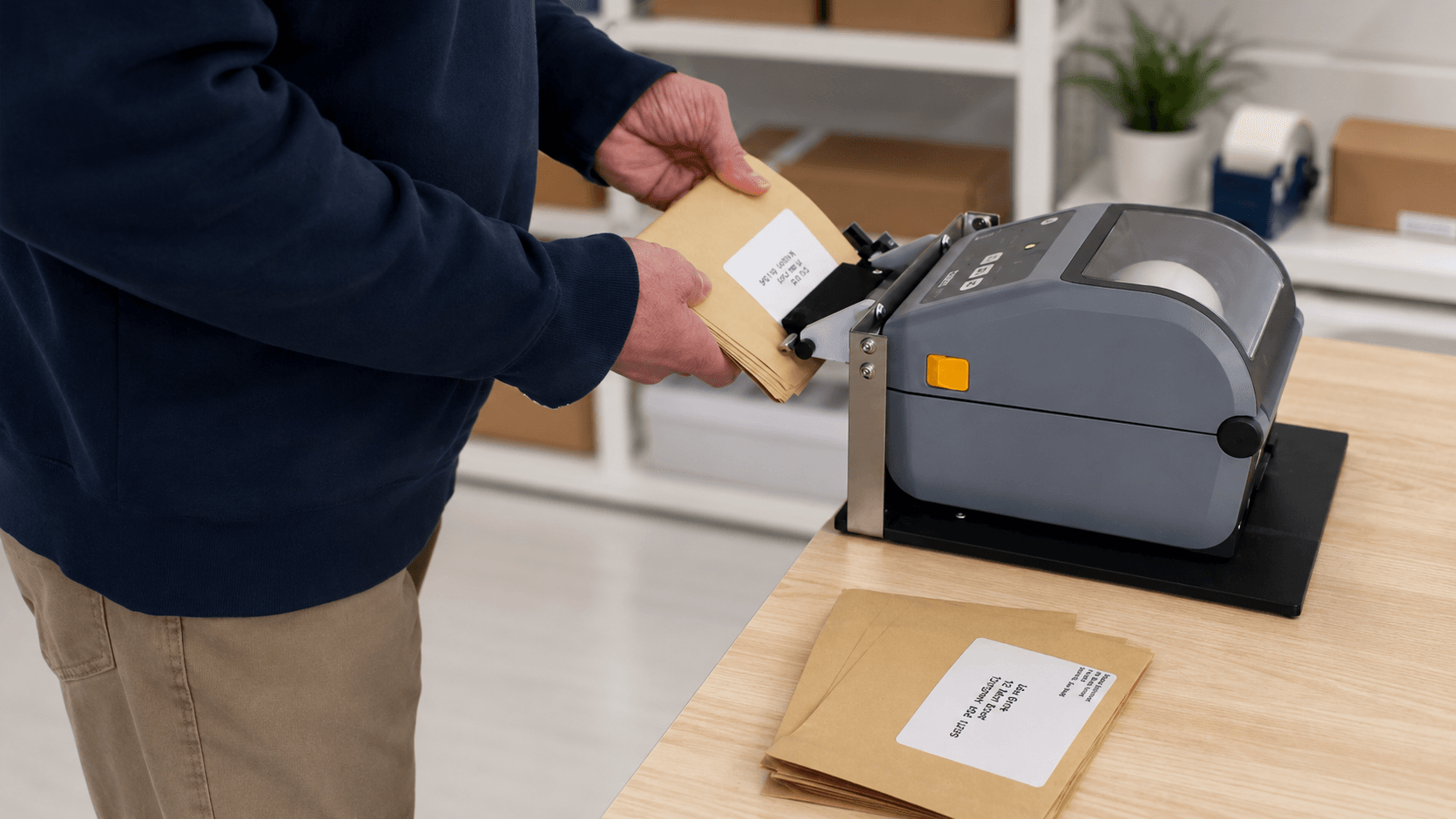
Instead of printing labels onto a roll for later application, the Z10 receives each label as it is dispensed from a your desktop label printer. The operator can then apply the label directly to the package or product. It works in conjunction with many different desktop label printer models including popular Zebra models such as the ZD621 and ZD421.
This allows printing and application to take place as part of one continuous workflow.
Apply Labels as They Print
With the Z10, there is no need to rewind printed labels onto a separate roll.
The operator prepares the package, prints the required label, and applies it immediately. This is particularly useful when labels contain variable information or when orders are processed individually.
The process can work well for shipping stations, fulfillment operations, light manufacturing, product labeling, and other short-run applications.
Improve Speed and Placement Accuracy
The Z10 holds the printed label in position so that it can be transferred to the package without having to touch the label.
This can reduce the number of steps required for each label and help the operator maintain more consistent placement.
An edge guide is available to position packages more accurately, making it easier to place labels in the same location from one item to the next.
Designed for Short and Variable Runs
The Z10 does not require a large quantity of identical products. It can be used for one label, a short batch, or a longer labeling session.
Because each label is applied as it prints, the system is suitable for businesses that regularly change:
Label content
Package sizes
Product types
Shipping orders
Barcode information
This makes it a practical alternative to equipment designed primarily for long, repetitive production runs.
Compact and Simple to Operate
The Z10 is designed to work with desktop label printers at a table or workstation. It does not require a conveyor or a large dedicated production area.
It also has no electrical controls or complicated operating settings. The desktop printer handles the printing, while the Z10 helps present and position the label for application.
This keeps the process accessible to small businesses that want to improve label application without installing a full automated labeling system.
Choosing the Right Label Application Method
The best labeling method depends on the number of products being labeled, the amount of variation between labels, available workspace, and equipment budget.
A traditional automatic or semi-automatic applicator may be appropriate when thousands of identical products are labeled in long production runs.
Hand application may still be sufficient for very low volumes.
For businesses that print variable labels, process shorter runs, or want a faster and more consistent alternative to peeling and applying labels by hand, the PrinterZip Z10 offers a different approach.
It brings printing and application together in one compact workstation, allowing labels to be applied directly from a desktop label printer as they print.