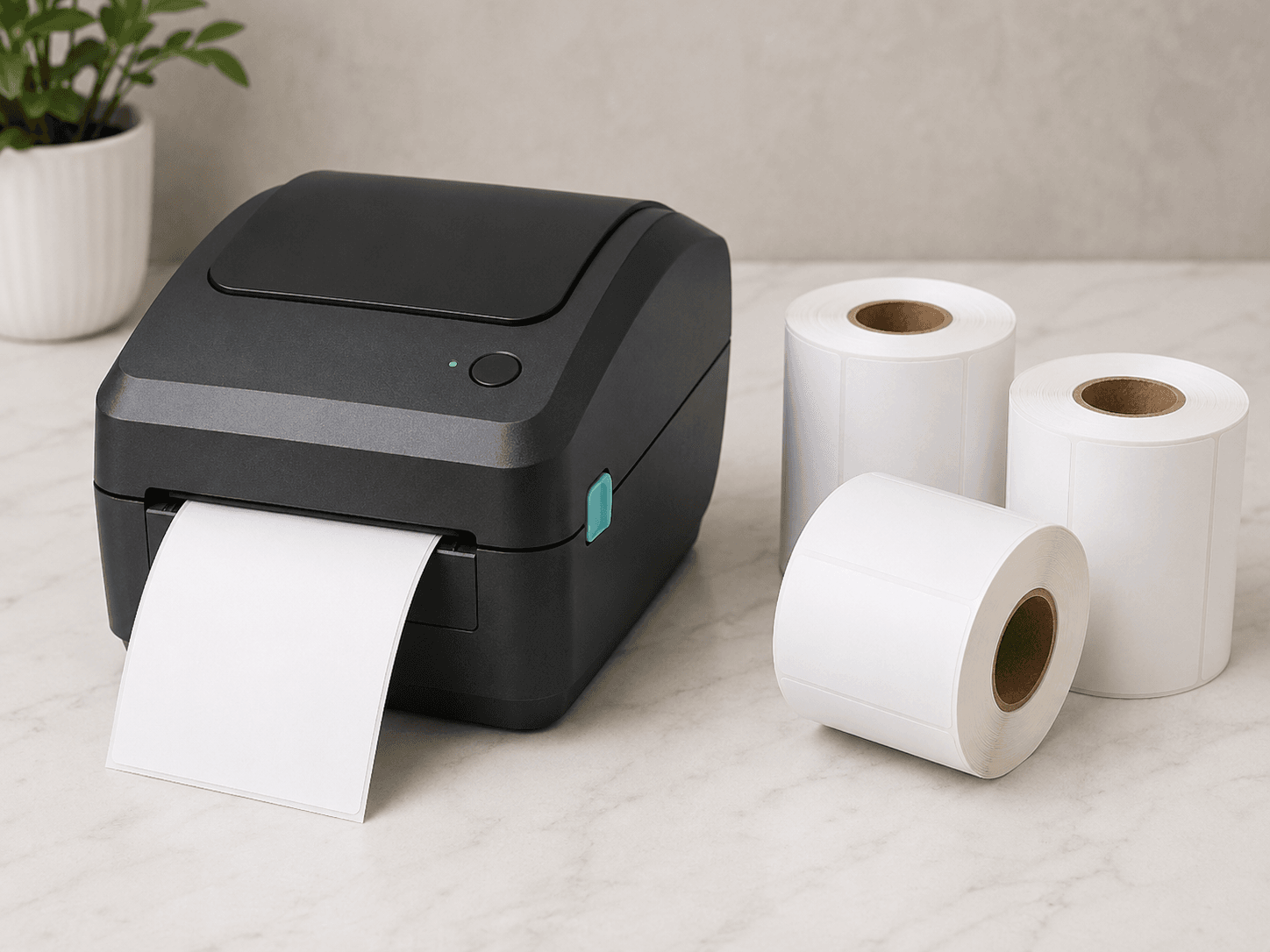

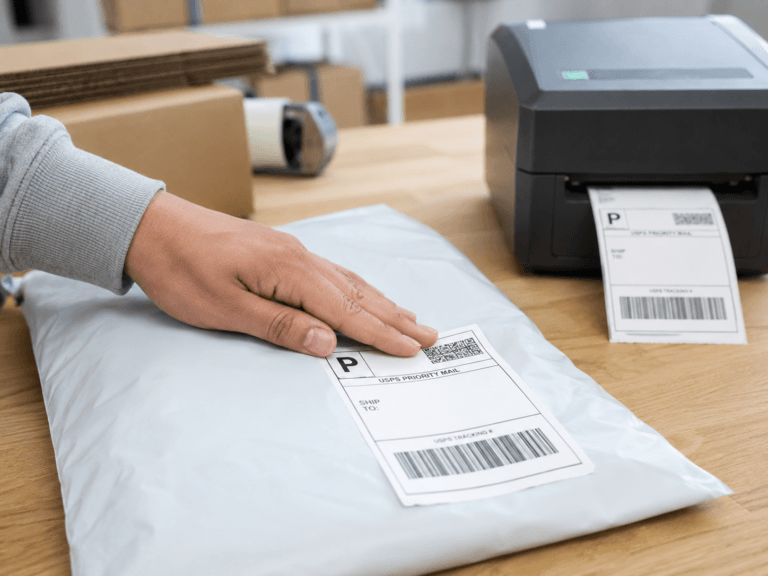
Direct thermal labels are widely used because they are convenient, reliable, and simple to print. They do not require ink, toner, or a thermal transfer ribbon, which makes them a practical choice for shipping labels, barcode labels, product labels, and other everyday labeling tasks.
But as more businesses pay attention to workplace materials and chemical exposure, direct thermal labels are getting more attention. Some thermal papers have used bisphenols such as BPA or BPS as part of the heat-sensitive coating that allows the paper to darken when exposed to heat. While not every direct thermal label contains these chemicals, businesses that use thermal labels should understand what type of label stock they are buying and how those labels are handled during use.
Why BPA and BPS Matter in Thermal Paper
BPA, short for bisphenol A, and BPS, short for bisphenol S, are chemicals that have been used in some thermal papers. These chemicals are not limited to labels. They have also been associated with thermal receipt paper, which has received increasing attention from environmental, health, and regulatory organizations.
For example, the Minnesota Pollution Control Agency notes that BPA and BPS have been found in thermal paper, including receipt paper. Washington State has also restricted bisphenols in thermal paper, with restrictions taking effect January 1, 2026. These actions show that bisphenols in thermal paper are becoming a more visible issue for businesses, regulators, and consumers.
For companies that use direct thermal labels, the main takeaway is simple: label materials can vary. If BPA, BPS, or other phenol-based developers are a concern, businesses should ask their label supplier whether their direct thermal labels are BPA-free, BPS-free, or phenol-free.
Start by Understanding Your Label Stock
The first step is not the applicator. It is the label material itself.
If your business uses direct thermal labels, ask your supplier for clear information about the label stock. Useful questions include:
Are these direct thermal labels BPA-free?
Are they BPS-free?
Are they phenol-free?
Do they meet any current state-specific requirements for thermal paper?
Can you provide a specification sheet or written confirmation?
This is especially important for businesses that ship food products, cosmetics, healthcare items, lab samples, or other sensitive goods. It may also matter for workplaces where employees handle large numbers of labels every day.
Choosing the right label stock is the most direct way to address concerns about label materials. But material selection is only one part of the workflow. The other part is how labels are handled during application.
Label Handling Is Part of the Workflow
In many small business and light production environments, labels are still applied by hand. A worker prints the label, peels it from the backing, holds it, positions it on the box or package, and presses it down.
That process is familiar, but it creates several practical issues:
The worker may touch the adhesive side of the label.
The label may stick to gloves during application.
Gloves can make it harder to position the label accurately.
The label may curl, fold, or wrinkle before it is applied.
The printed surface and label edges may be handled more than necessary.
For many businesses, the goal is not only speed. It is also a cleaner and more controlled labeling process.
Gloves Can Help, but They Are Not Always Ideal
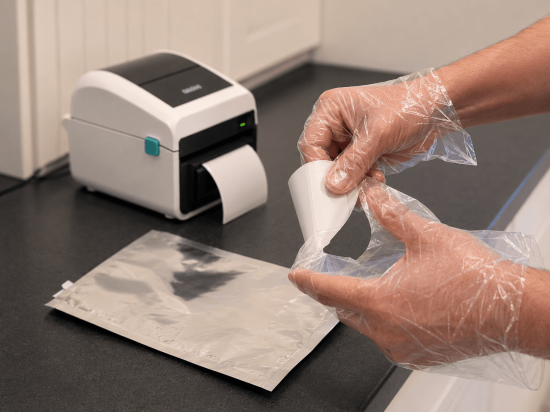
One simple way to reduce direct hand contact with labels is to wear gloves. In some workplaces, gloves are already required. In others, businesses may consider gloves as a way to reduce contact with adhesive, printed label surfaces, or label materials.
However, gloves can create their own challenges during label application. Pressure-sensitive labels can stick to glove material, especially when the adhesive is exposed. Gloves can also reduce tactile feedback, making it harder to separate the label from the backing, align it cleanly, and smooth it onto the package.
For occasional labeling, that may not be a major issue. But when workers apply labels repeatedly throughout the day, small handling problems can become frustrating and inefficient.
Mechanical Label Application Can Reduce Direct Contact
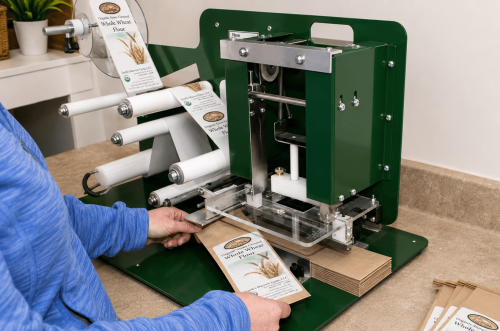
Another option is to use a mechanical process to apply labels. Label applicator machines come in many forms, from simple hand-operated machines to fully automatic print-and-apply systems used on conveyor lines.
Traditional label applicators can work well, but most are designed for preprinted labels supplied in roll form. That does not always fit the workflow of desktop label printer users. Small businesses often print labels on demand, one order at a time, using a desktop direct thermal label printer or desktop barcode printer.
Industrial print-and-apply systems solve this problem at a larger scale, but they are often expensive, powered, complex, and designed for production lines. For many small businesses, ecommerce operations, and lower-volume packaging areas, that level of automation may be more than they need.
A Simpler Option for Desktop Label Printer Users
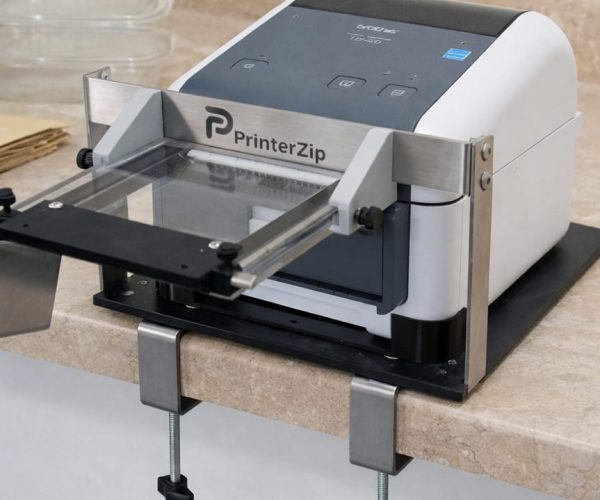
The PrinterZip Z10 was designed for a different kind of workflow.
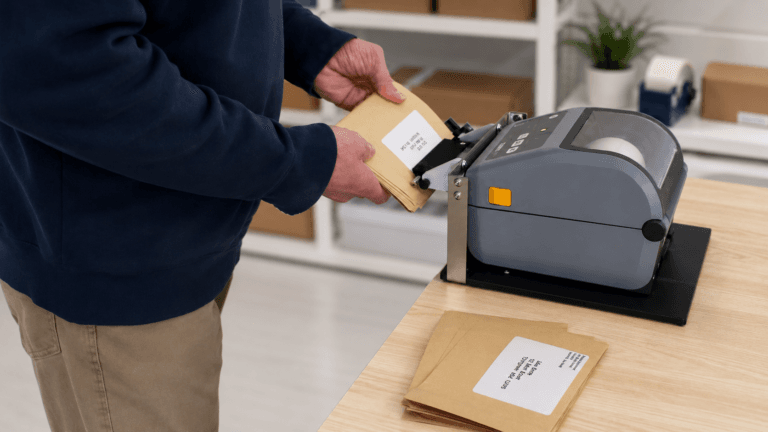
Instead of requiring preprinted rolls or a large industrial machine, the Z10 uses patented technology to apply labels from desktop printers with surprising simplicity and economy. The Z10 receives and holds each label as it prints and then allows the label to be applied without any hand contact with the label. It is very versatile and can label boxes, mailers, clamshell containers and many other kind of mostly flat packaging.
The Z10 does not change the label material. Businesses concerned about BPA, BPS, or other chemicals should still choose appropriate label stock and confirm specifications with their label supplier. But the Z10 can help improve the handling side of the process by reducing unnecessary contact during label application.
Why This Matters for Small Businesses
For many businesses, labeling is a repetitive task. Even small improvements can make the process easier, cleaner, and more consistent.
A desktop label printer applicator may be useful for businesses that want to:
Apply shipping labels without touching the adhesive side
Reduce label handling in workplaces where gloves are worn
Improve label placement on boxes and flat packages
Avoid the cost and complexity of industrial print-and-apply systems
Continue using compatible desktop direct thermal label printers
Create a more controlled label application workflow
For businesses reviewing their use of direct thermal labels, the best approach is practical: understand the label material, ask suppliers the right questions, and look for ways to reduce unnecessary handling during application.
Final Thoughts
Direct thermal labels remain a convenient and widely used labeling solution. But as awareness grows around BPA, BPS, and other chemicals used in some thermal papers, businesses may want to take a closer look at both their label stock and their label application process.
The most important step is to choose label materials that meet your business needs. The next step is to think about how those labels are handled.
For desktop label printer users, the PrinterZip Z10 offers a simple way to reduce direct label handling without moving to a large industrial print-and-apply system. It helps turn a compatible desktop label printer into a manual print-and-apply station, making label application cleaner, easier, and more controlled.
For more information about the Z10, visit: www.printerzip.com